Join the future of automated estimating
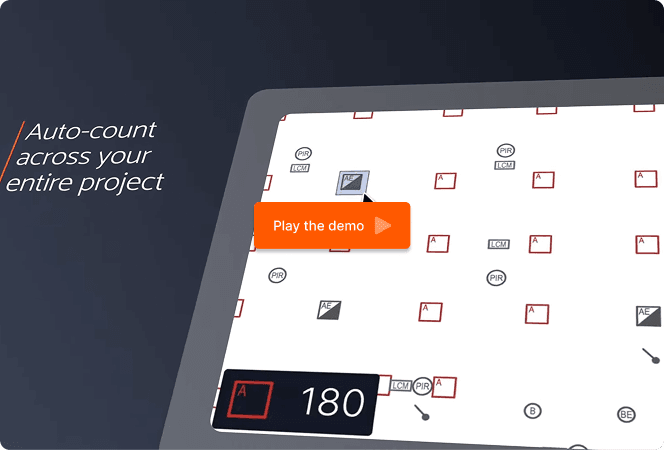
Check out our videos to learn how to use true automated takeoff, faster end-to-end estimating and intelligent spec compare.
Learn how to use Countfire
Guiding you step by step
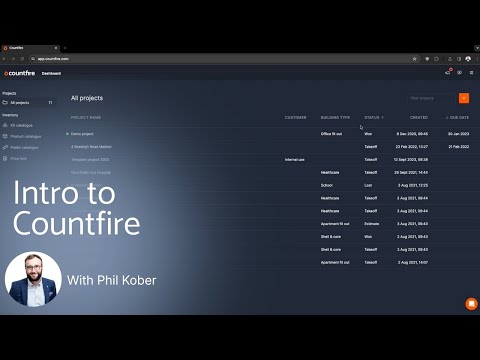
Intro to Countfire
In this introductory video, you'll learn how to upload your first project in Countfire, add your drawings, and understand the workflow of Takeoff, Estimate, and Spec Compare. Perfect for new users getting started with Countfire electrical takeoff and estimating software.
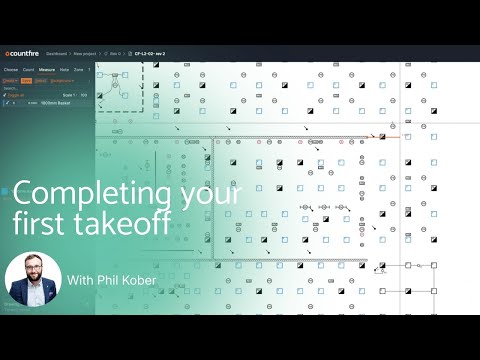
Completing your first takeoff
Product Specialist Phil walks you through how to complete your first takeoff in Countfire. Learn how to identify, measure, and count items directly from your PDF drawings using automation to save time and reduce errors.
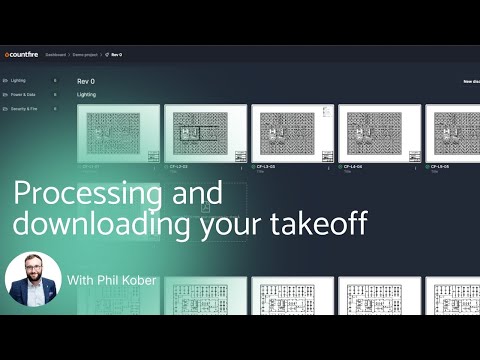
Processing and downloading your takeoff
This video explains how to process your completed takeoff, download output files, and review your takeoff reports. See how Countfire turns your quantities into clear, usable data for your estimating projects.
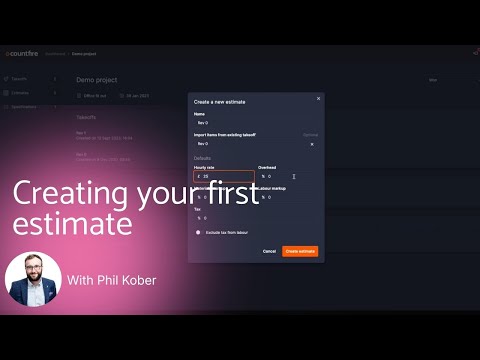
Creating your first Estimate
Learn how to create your first estimate in Countfire using your takeoff. This video shows how to move seamlessly from Takeoff to Estimate, helping you build accurate electrical estimates faster.
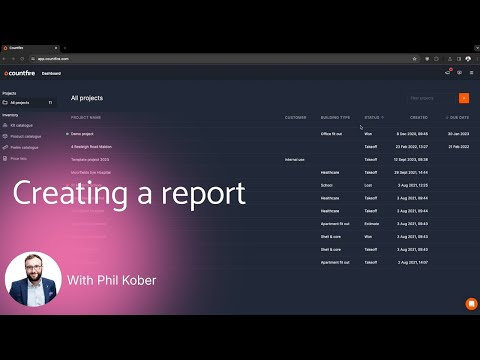
Creating a report
In this video, Phil demonstrates how to create client-ready estimate reports in Countfire. Learn how to generate clear, shareable reports to support your electrical estimating projects.
Try it for yourself
Get your 7-day free trial
No credit card. No contract. Upload drawings and begin using Countfire to complete your estimates. With next-level support from our team of former-estimators.