What is Electrical Estimating Software?

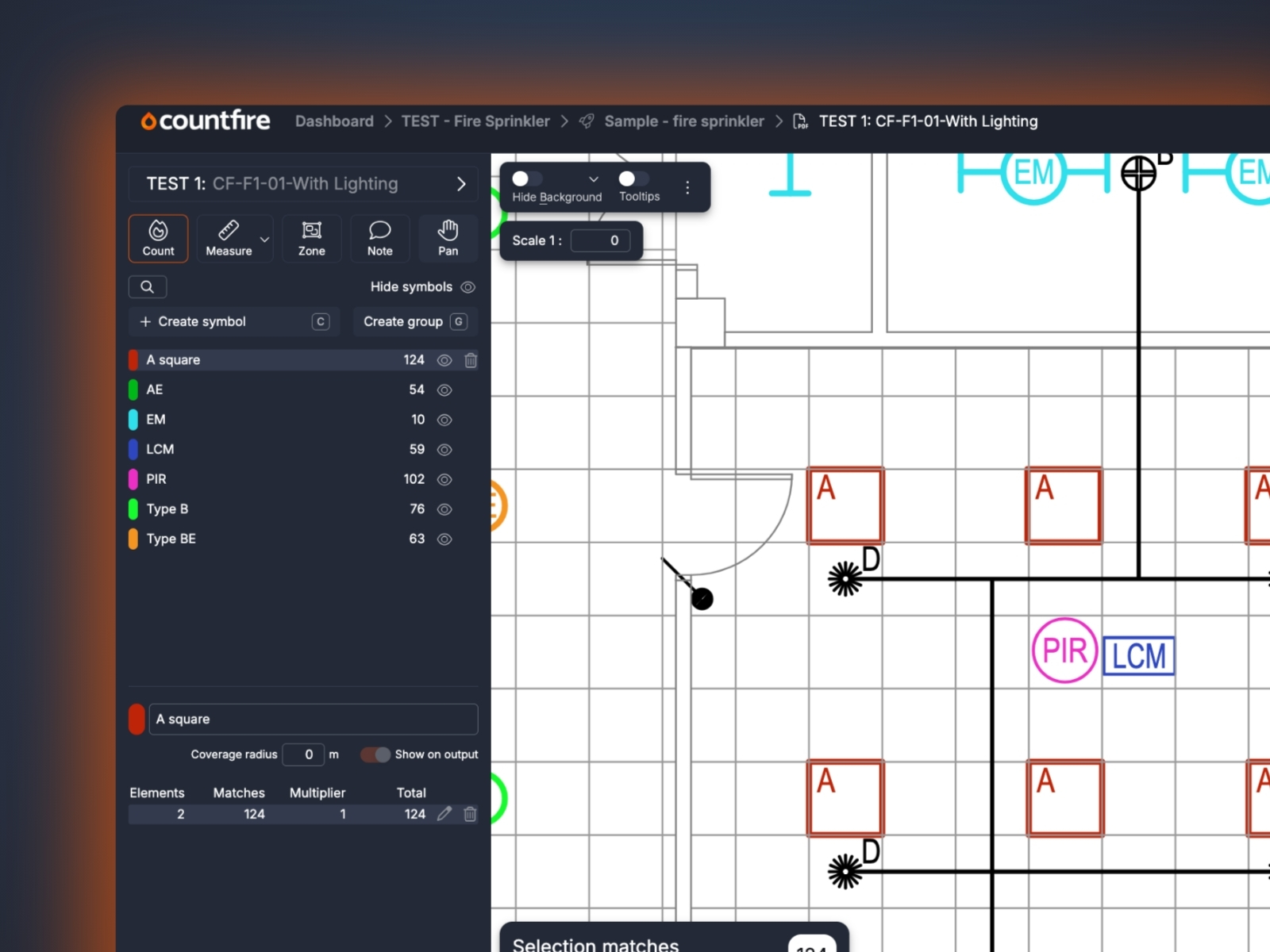
If your estimators are still counting symbols by hand, using generic AI systems, or working through spreadsheets row by row, you already know the problem: it takes too long, it introduces errors, and it doesn’t scale. Electrical estimating software exists to fix that.
This article explains what electrical estimating software is, how it works, and most importantly, which features to look out for that actually save you time and help you win more bids.
The short answer
Electrical estimating software is a tool that helps electrical estimators produce accurate project estimates faster. It reduces tedious processes, such as counting, measuring cable runs, calculating material quantities, and pricing up labour, with automated workflows.
The result: estimates that take hours instead of days, with fewer errors and a clear audit trail.
What does it actually do?
At its core, electrical estimating software handles three things:
- Takeoff - identifying and counting the electrical components on a set of drawings (sockets, light fittings, distribution boards, conduit runs, and so on)
- Quantification - turning those counts into a structured bill of materials
- Pricing - applying labour rates and material costs to produce a project estimate
More advanced tools, like Countfire, automate the estimating process entirely. Rather than manually clicking through a PDF drawing, or hoping a general-purpose AI tool understands the difference between a socket and a sensor, estimators can identify and count symbols automatically.
This dramatically cuts the time spent on the most labour-intensive part of the process, and unlike many other AI tools, where your data may be used to train third-party models, Countfire is built with security at its core - your project stays yours.
Why does it matter?
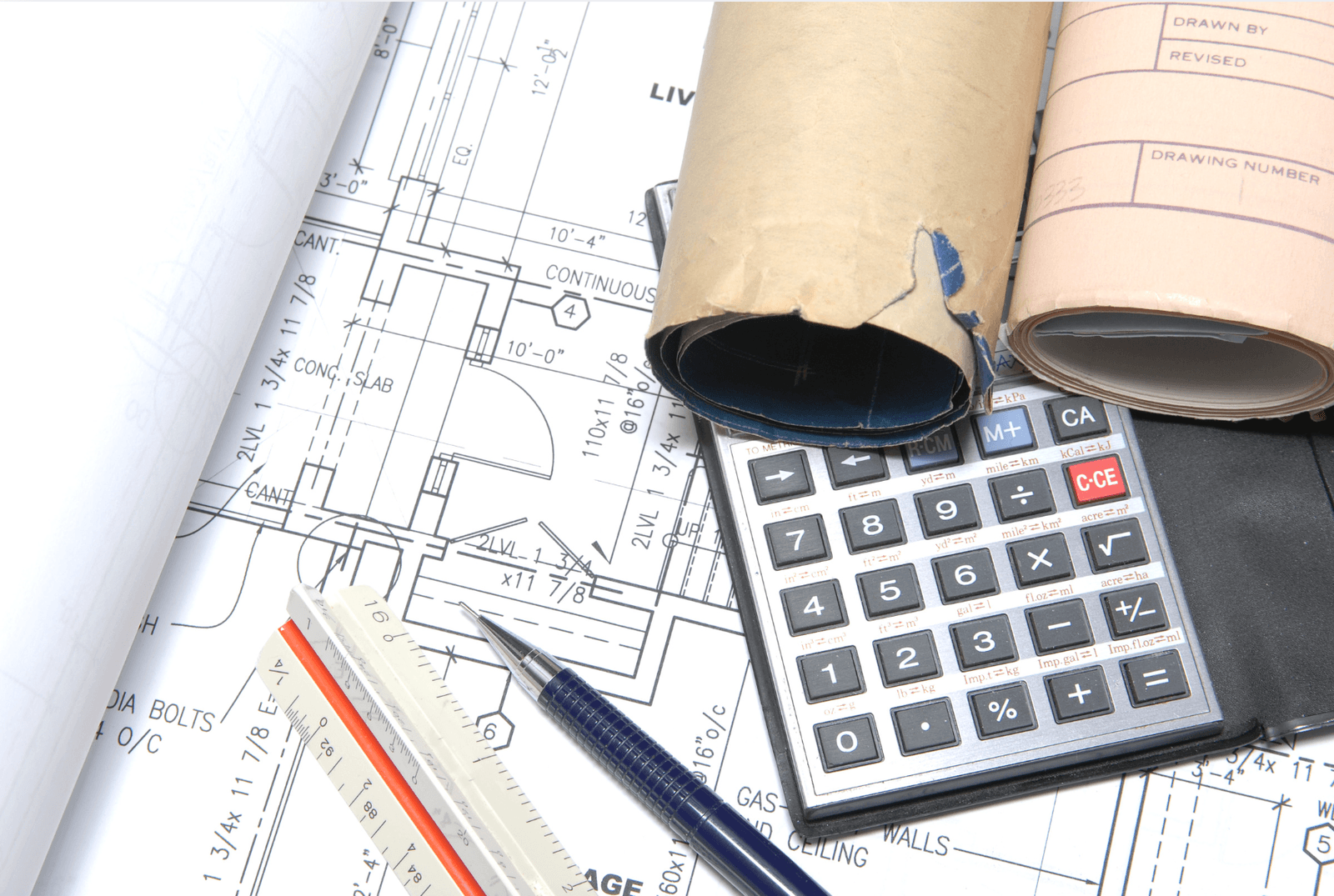
Manual estimating is not just slow, it’s a business risk. So is over-relying on AI tools that weren’t built for the job. Common problems include:
- Missed items due to human error on complex drawings
- Inconsistent pricing when multiple estimators work to different standards
- Time lost re-doing takeoffs when drawings are revised
- Errors introduced by generic AI tools
- Bottlenecks when tendering at volume
For electrical estimators winning work on tight margins, an undercount or miscalculation at the estimating stage can make the difference between a profitable job and a costly one.
Automated estimating software reduces that risk. It also frees up skilled estimators to focus on the judgement-heavy parts of their job, such as engineering, subcontractor pricing, programme risk, rather than counting symbols.
Who uses electrical estimating software?
Primarily, electrical estimating software is used by:
- Estimators at electrical contracting businesses of all sizes
- Bid managers overseeing multiple tenders simultaneously
- M&E contractors with electrical packages in-house
It’s most valuable for businesses tendering regularly, working from complex drawing packages, or scaling their estimating capacity without adding headcount.
What should you look for?
Not all electrical estimating software works the same way. Key things to evaluate:
- Automated symbol recognition - can it count electrical symbols on drawings without manual click-and-point input?
- Drawing compatibility - does it handle PDFs well, and the formats your clients typically use?
- Speed of set up and training - how long before an estimator is productive with it?
- Accuracy - what’s the error rate, and can you verify counts easily?
It’s worth running a trial on a live project rather than a demo. The difference between software that works in a controlled environment and one that performs under real project conditions is significant.
How Countfire approaches this
Countfire is true end-to-end automated electrical estimating software built specifically for electrical estimators. It automates the takeoff process; estimators upload their drawings, and Countfire enables you to quickly identify and count the electrical symbols. The output is a clean, accurate bill of priced quantities.
It’s designed to reduce the time spent on estimating from days to hours, and to give estimating teams the confidence that nothing has been missed.
If you’re evaluating options, the best way to assess automated estimating software is to try it on a real project. Get your free 7-day trial of Countfire today.
Related articles
6 Tips for reducing electrical estimate risk
There’s always risk involved with electrical estimates, but you can help to mitigate that risk. We’re looking at some tips here:
Read article
7 Tips for an accurate fire alarm system estimate
An accurate fire alarm system estimate means a better experience for your client and profitable project for your company. Here are some tips to consider:
Read article
Electrical Estimating Software: 2026 Guide
A practical guide to the best electrical estimating software available in 2026, covering key features, who each tool suits, and what to look for before you buy.
Read article